I’m not here to act like some tech guru. I’m just a regular guy who loves figuring stuff out, the kind who stays up late asking “but why?” about everything.
And from everything I’ve seen and tested myself, getting into AI right now isn’t just smart — it’s kind of exciting. Let me walk you through it, simple and straight, like we’re chatting over coffee.
Why 2026 Feels Like the Perfect Time to Start
Look, AI isn’t some far-off sci-fi thing anymore. It’s already helping people write emails, create art, code apps, and even plan their next vacation. But here’s the part that gets me: in 2026, it’s finally easy for normal people like you and me to use it.
Jobs are starting to ask for AI skills more and more. I’ve seen friends land better gigs just because they could prompt an AI tool properly. Schools are teaching it. Even my mom (who still calls her phone “the computer”) used ChatGPT to help with a recipe last week. Crazy, right?
The best part? You don’t need a computer science degree or tons of money. Most top AI tools are free or super cheap to start with. If you wait too long, you might feel left behind. But if you start now, you get to ride the wave instead of watching it from the shore. That thought honestly gives me a little rush — like I’m getting in on something big while it’s still fun and fresh.
What Is AI?
Okay, let’s keep this dead simple. AI is like a super-smart friend who never sleeps. You type something, and it thinks really fast and gives you an answer, a picture, or even a whole plan.
It’s not magic. It’s just a bunch of math and a ton of data that computers learned from. Think of it as a very clever parrot that read the entire internet and now repeats patterns in super useful ways.
I remember the first time I asked an AI a question and it actually helped me fix a bug in my code. My jaw dropped. It felt personal, like the computer got what I wanted. That moment is when I knew I had to learn more.
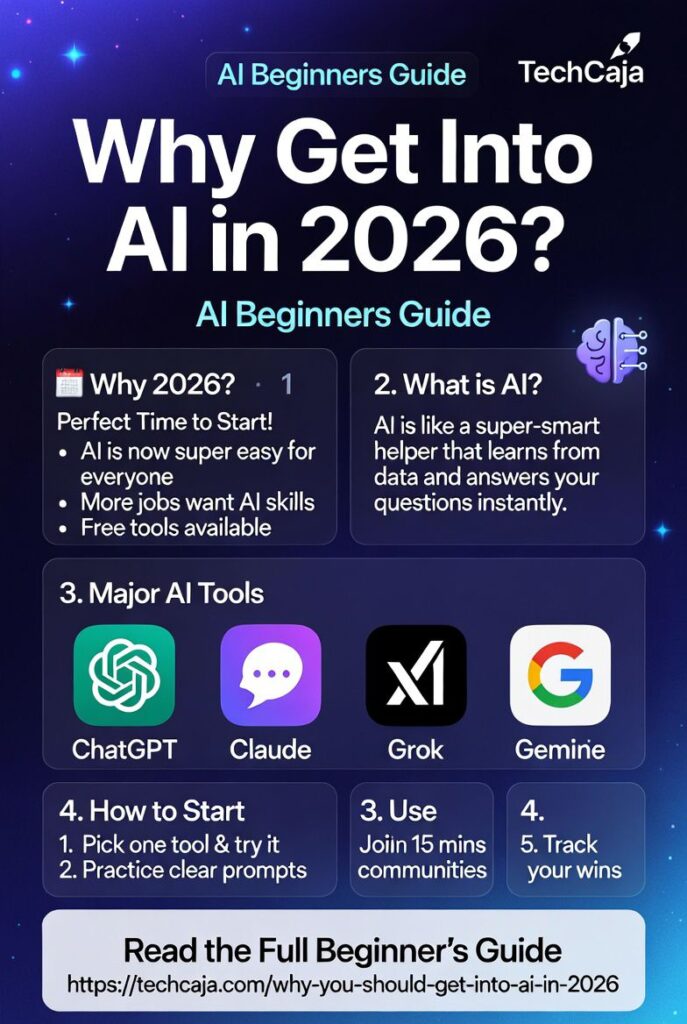
The Major AI Players You Should Know in 2026
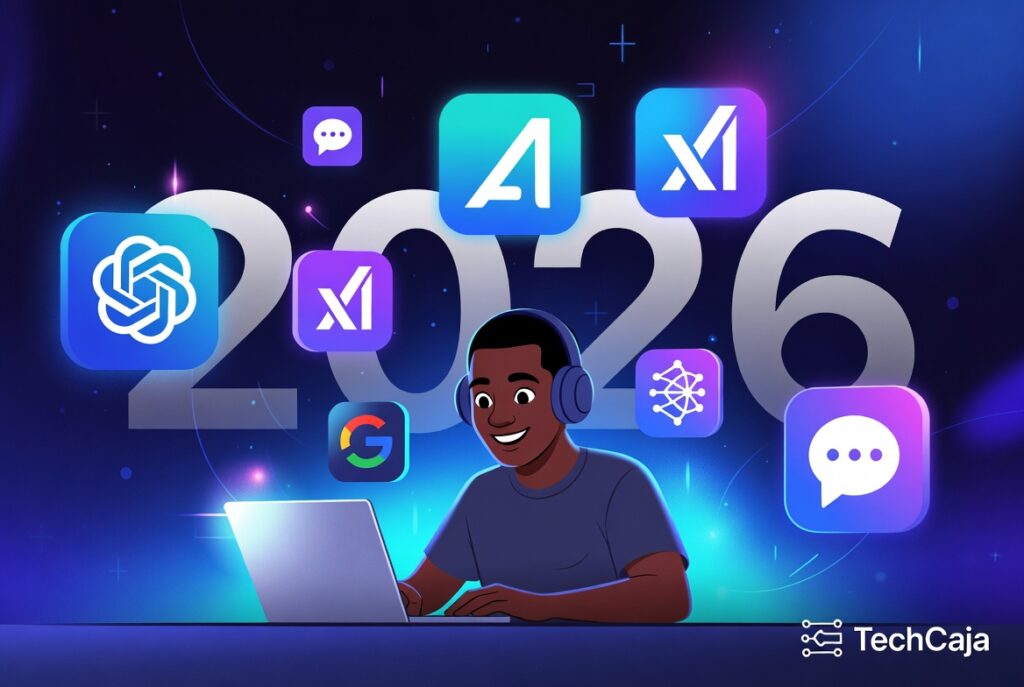
There are a handful of big ones that everyone’s talking about. I’ve used all of them a lot, so here’s my honest take — no hype, just what I’ve noticed.
ChatGPT (from OpenAI)
This is the one that started the whole boom for most people. It’s friendly, fast, and great at everyday stuff — writing emails, brainstorming ideas, or explaining things like you’re five. In 2026, it’s even better at remembering what you talked about before. I use it when I want quick, creative answers.
Claude (from Anthropic)
Claude feels more careful and thoughtful. It’s the one I turn to when I need longer, well-written stuff or when I don’t want it to make stuff up. Personally, I like Claude’s vibe — it’s like chatting with the smart, polite friend who double-checks everything. Great for schoolwork or serious writing.
Grok (from xAI)
Built by xAI, and designed to be helpful, truthful, and a little cheeky. Grok loves digging into tough questions and doesn’t shy away from telling you what it really think. If you want straight answers without the corporate filter, it’s your guy.
Gemini (from Google)
It’s awesome when you need up-to-date info or when you want to mix text with pictures and data. Gemini feels connected to the whole web, so it shines when you’re researching something current. I use it a lot for fact-checking.
There are others too — like Perplexity for quick research, or image tools like Midjourney and Flux if you want to create pictures from words. The cool thing is they all have different personalities. Try a few and you’ll find your favorites, just like picking friends.
How to Get Started as a Total Beginner (Step by Step)
Don’t overthink it. Here’s exactly what I’d tell my younger self:
- Pick one tool and start today. Go to chatgpt.com or grok.x.ai and just type something simple like “Explain how a phone works like I’m 10 years old.”
- Practice prompting. The secret isn’t the AI — it’s how you talk to it. Be clear, give examples, and tell it the style you want. I still experiment with prompts every week because it’s that powerful.
- Set aside 15 minutes a day. That’s it. Play with it. Ask it to help with your job, your hobby, or even plan your meals.
- Join a community. Reddit’s r/OpenAI or r/MachineLearning are full of nice people. I hang out in a few Discord groups too — super helpful when you get stuck.
- Track what you learn. I keep a simple note file called “AI Wins” and write down every time an AI saved me time. It keeps the motivation going.
You’ll be shocked how fast you improve. I went from “what is this?” to building small projects in just a couple of months.
Fun Stuff You Can Actually Do With AI Right Now
This is the part I get genuinely excited about. You can:
- Turn your rough ideas into full blog posts
- Make custom images for your social media
- Learn a new language by chatting with AI every day
- Build simple apps or automate boring tasks at work
- Get help with homework, job applications, or even dating profiles (no judgment)
I once asked Grok to help me plan a weekend trip to Lagos and it gave me a perfect itinerary with food spots I didn’t even know existed. Little moments like that make me smile every time.
The Honest Side — Things to Watch Out For
I’m not here to sell you rainbows. AI can sometimes make things up (we call it hallucinating). It’s not perfect, and it’s not human. Use it as a helper, not a replacement for your own brain.
Also, keep learning the basics yourself. The more you understand, the less you’ll be fooled. And yeah, there are privacy questions — don’t feed it your bank details or super personal stuff.
That said, the upsides way outweigh the scary parts if you stay curious and careful. That balance is what keeps me coming back.
My Final Thoughts
Getting into AI in 2026 isn’t about becoming the next tech billionaire. It’s about giving yourself a superpower that makes life easier, more creative, and way more interesting.
I’ve watched friends go from “I’m not techy” to confidently using AI every single day. And every time I hear one of those stories, I feel proud I started early.
So what are you waiting for? Open a new tab right now. Type one question. See what happens.
I’d love to hear how it goes — drop your first AI experiment in the comments below.