
AI chatbots have become part of daily life for millions of people. We ask them to help draft emails, work through personal problems, review contracts, plan finances, and even talk through health concerns.
Along the way, we often share more personal information than we realize; names, addresses, medical details, financial figures, relationship troubles, workplace conflicts, and sometimes things we wouldn’t tell another human being.
That convenience comes with a tradeoff: every message you send to an AI system typically travels to a company’s servers, gets processed, and may be stored, reviewed, or used to improve future models.
Unlike a conversation with a friend, an AI chat can leave a durable digital trail. The good news is that with a few deliberate habits, you can significantly reduce your privacy exposure without giving up the benefits of using AI tools.
Understand What Actually Happens to Your Data
Before you can protect your privacy, it helps to understand the basic lifecycle of a typical AI conversation:
- Transmission — Your message travels over the internet to the provider’s servers.
- Processing — The AI model reads your prompt and generates a response.
- Storage — Many companies retain conversation logs for some period, for reasons ranging from abuse prevention to product improvement.
- Potential review — Some providers allow human reviewers or automated systems to inspect a sample of conversations, often for safety or quality purposes.
- Possible training use — Depending on the settings and the provider’s policies, your conversations may be used to train or fine-tune future models.
Every AI company handles these steps differently, and policies change over time, so the details matter more than assumptions. Reading the actual privacy policy of the tool you use, rather than relying on general reputation, is one of the most valuable five minutes you can spend.
Read the Privacy Policy and Data Settings
It’s tempting to skip privacy policies, but most major AI providers now offer plain-language summaries alongside the legal text, and many provide in-app settings that let you control:
- Whether your conversations are used for model training
- How long your data is retained
- Whether you can delete individual conversations or your entire history
- Whether there’s a “temporary” or “incognito” mode that doesn’t save history at all
Look specifically for toggles related to “improve the model,” “training,” or “data retention.” Many platforms default to more permissive settings than privacy-conscious users would prefer, so it’s worth checking rather than assuming the defaults protect you.
Avoid Sharing Information You Wouldn’t Want Stored
The single most effective privacy practice is also the simplest: don’t type sensitive information into a chat unless you have to. Before sending a message, it can help to pause and ask:
- Does this message include my full name, address, or date of birth?
- Does it include financial account numbers, passwords, or ID numbers?
- Does it include someone else’s private information, not just my own?
- Would I be comfortable if this exact message appeared in a data breach?
If the answer raises concern, consider rephrasing your request in a more generic way. Instead of pasting your actual bank statement, you might describe the numbers in general terms. Instead of using a real patient’s name in a medical question, use a placeholder.
AI models are generally very capable of helping with hypothetical or anonymized versions of a problem, so you often don’t lose much functionality by stripping out identifying details.
Use Anonymization and Placeholder Techniques
A practical habit is to “launder” identifying details out of your prompts:
- Replace real names with placeholders like “Person A” or “my colleague”
- Replace specific addresses with general locations (“a mid-sized city in the Midwest”)
- Replace exact figures with ranges when precision isn’t essential
- Remove file metadata before uploading documents, since files can carry hidden information like author names, timestamps, or location data
This is especially important when discussing other people’s information; a coworker’s performance issue, a family member’s health condition, or a friend’s legal situation. Their privacy matters too, and they haven’t consented to having their details processed by a third-party AI system.
Take Advantage of Privacy-Focused Modes
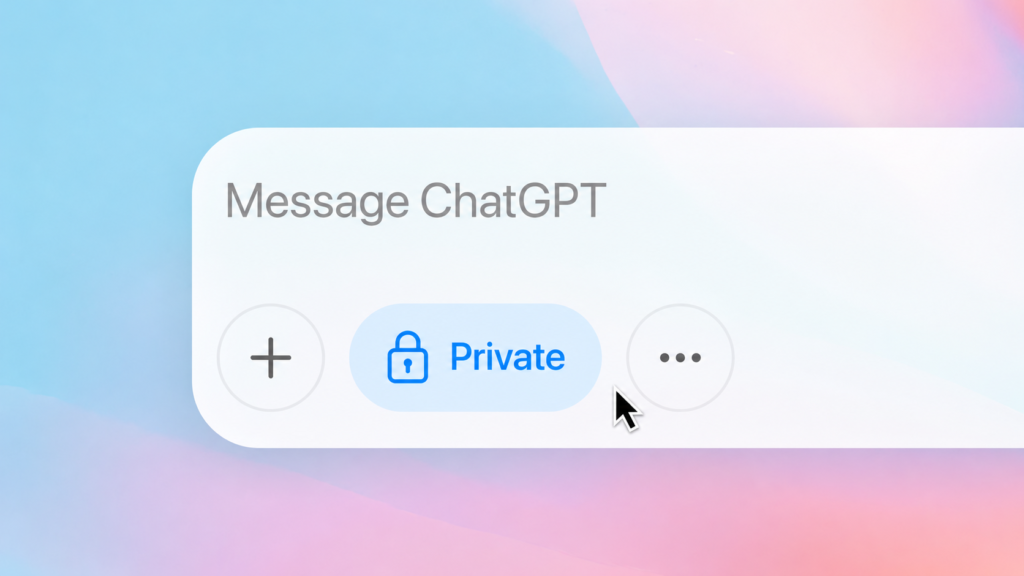
Many AI tools now offer some version of a temporary or private chat mode, where the conversation isn’t saved to your history and isn’t used for training.
These modes are useful for one-off sensitive questions; like a personal legal or medical question you don’t want lingering in your account.
Get familiar with how to activate this mode in whichever tool you use, since it’s rarely turned on by default.
Separately, consider whether you actually need to be logged in for a particular query. Some tools allow limited use without an account, which reduces the amount of information tied to your identity.
Manage Your Conversation History Actively
Rather than letting months or years of chat history accumulate, build a habit of periodically reviewing and deleting old conversations, especially ones that contain sensitive topics you no longer need to reference.
Most platforms allow bulk deletion or automatic expiration after a set number of days. Setting an auto-delete window; 30 or 90 days, for example; is a low-effort way to limit how much historical data exists at any given time.
Be Thoughtful About Third-Party Integrations
Increasingly, AI assistants can connect to your email, calendar, cloud storage, or other accounts to provide more helpful, personalized answers. These integrations are powerful, but they also expand what the AI system can see. Before granting access:
- Consider whether the added convenience is worth the added data exposure
- Check whether you can grant narrower, read-only, or time-limited permissions
- Revoke access for integrations you’re no longer using
Treat these connections the same way you’d treat any other app permission request on your phone: useful when needed, but not something to leave switched on indefinitely by default.
Use Separate Accounts for Sensitive Use Cases
If you use AI tools for both casual tasks and more sensitive work; such as therapy-adjacent conversations, legal questions, or business strategy; consider using separate accounts or profiles for each.
This limits how much any single account can reveal about you if it were ever exposed, and it prevents sensitive topics from blending into a single, comprehensive profile of your life.
Stay Aware of Company-Specific Policies
Privacy practices differ meaningfully between companies, and even between products from the same company.
A consumer chatbot, a business-tier product, and an API used by developers may have very different data handling rules. If privacy is a priority, look specifically at:
- Whether the provider offers a business or enterprise tier with stronger data protections
- Whether there are specific compliance certifications relevant to your industry (such as healthcare or legal data standards)
- Whether the company has a track record of transparency about data breaches or policy changes
The Bigger Picture
AI tools are genuinely useful, and there’s no need to avoid them out of fear. But treating an AI conversation with the same casual disclosure you might use with a close friend is a mismatch; the AI conversation is mediated by a company’s infrastructure, policies, and business incentives.
A few small habits; reading the privacy settings, anonymizing sensitive details, using private modes when appropriate, and regularly cleaning up your history; can dramatically reduce your exposure while still letting you get full value out of these tools.
Privacy, in this context, isn’t about avoiding AI. It’s about using it deliberately: sharing what’s useful, withholding what’s unnecessary, and staying aware of where your words actually go once you hit send.