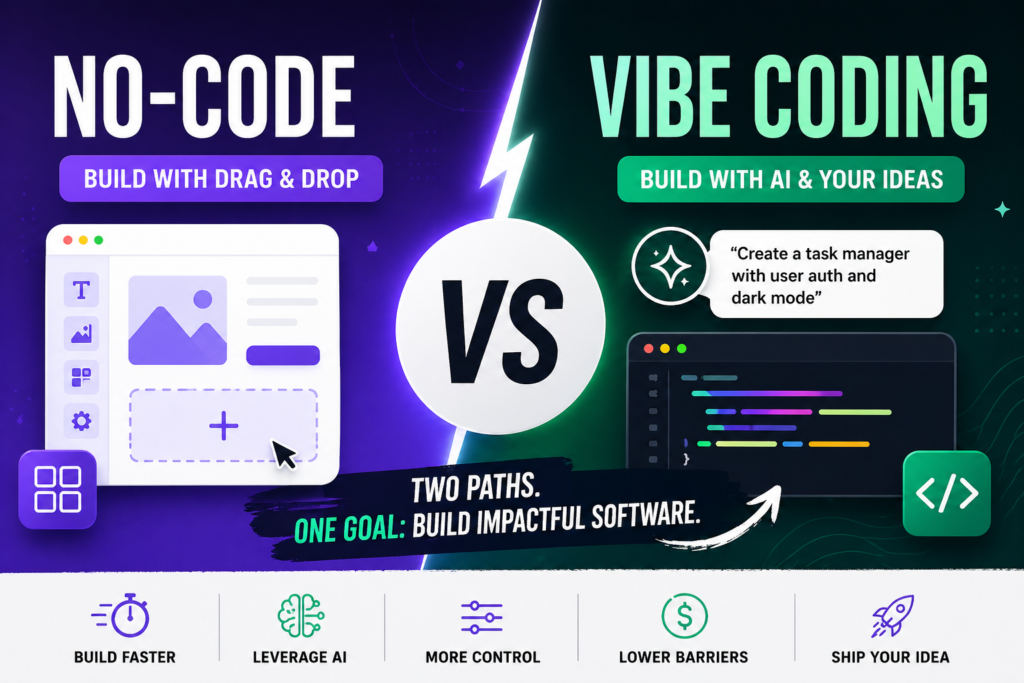
In 2026, the barrier to building software has never been lower. Whether you’re a solo founder launching an MVP, a product manager iterating on internal tools, or an enterprise team scaling customer-facing apps, you have two powerful paths: no-code platforms and vibe coding.
No-code lets you drag, drop, and configure entire applications without touching a line of code. Vibe coding—coined by Andrej Karpathy in early 2025—lets you describe your idea in plain English (or even voice), let AI generate the full codebase, and iterate by simply telling the AI what feels off.
Both approaches promise speed and accessibility, but they deliver very different results in practice.
This guide breaks down the real differences, pros and cons, use cases, and the top tools you should actually consider right now. By the end, you’ll know exactly which path (or hybrid) makes sense for your 2026 projects.
What Is No-Code Development?
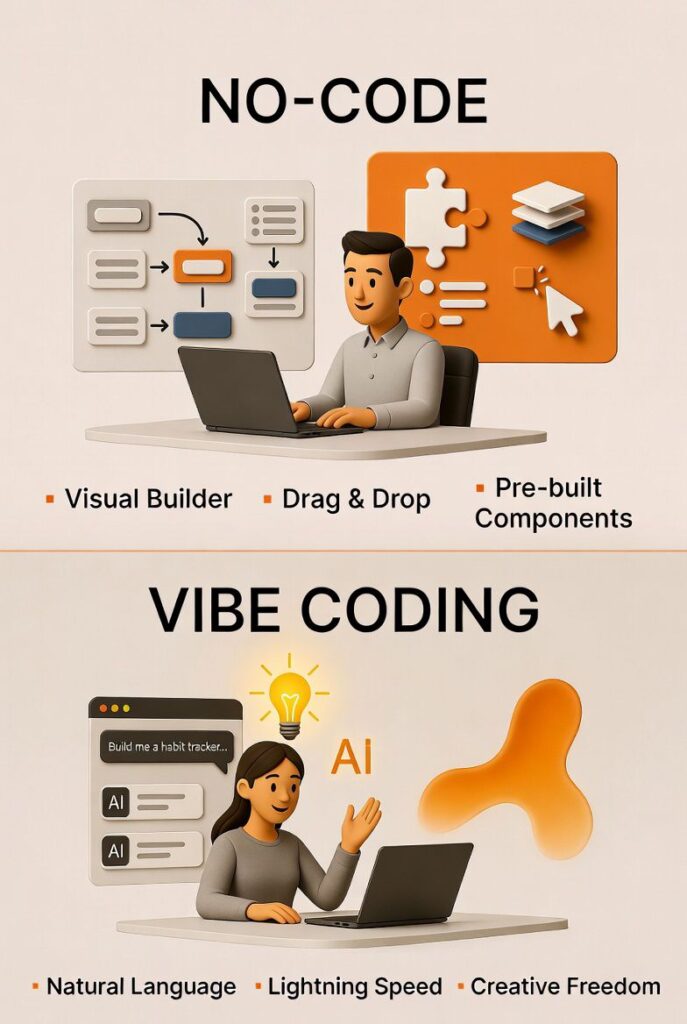
No-code platforms give you visual builders—think drag-and-drop interfaces, pre-built components, and logic flows you configure with clicks instead of code. Everything from databases and user authentication to payments and hosting is handled behind the scenes.
Popular examples include Bubble for complex web apps, Webflow for pixel-perfect marketing sites, and Glide or Adalo for mobile apps pulled from spreadsheets or simple data sources.
The promise is simple: non-technical users (or fast-moving technical teams) can ship functional products in days or weeks, not months.
In 2026, no-code has matured with better performance, native AI integrations for smarter automations, and stronger enterprise features like role-based access, audit logs, and compliance tools.
It’s no longer just for simple landing pages or basic CRMs—it powers full SaaS products, internal dashboards, and even e-commerce empires.
What Is Vibe Coding?
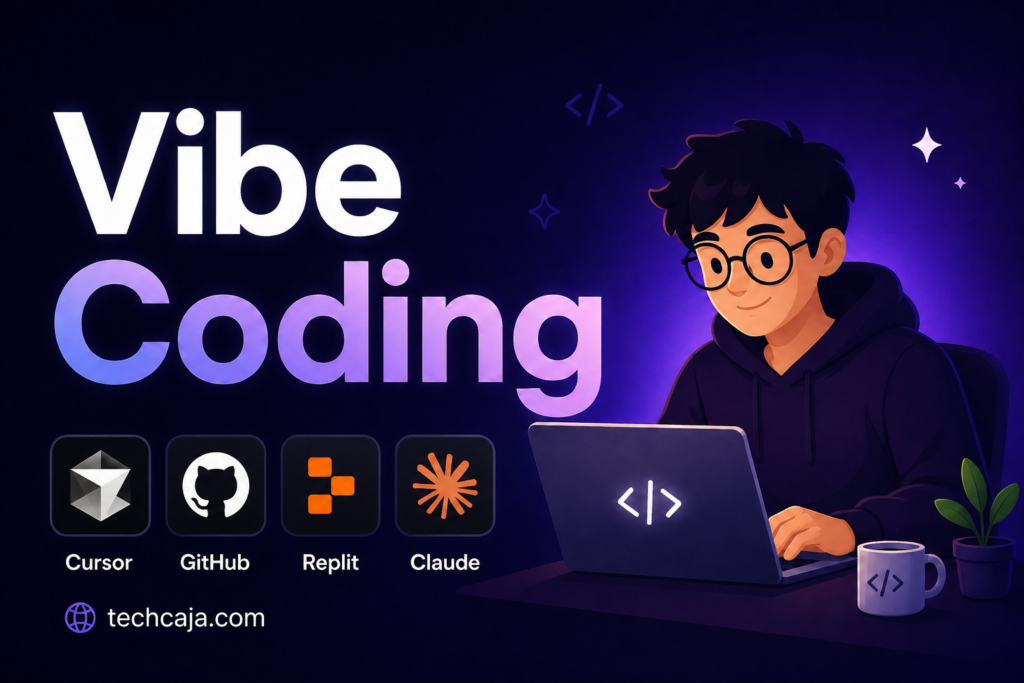
Vibe coding is the AI-native evolution of development. You describe what you want in natural language—“Build me a habit tracker with streaks, social sharing, and dark mode that feels calming and minimalist”—and the AI (powered by advanced LLMs) generates complete, runnable code.
You run it, test it, and if something’s off, you just say “make the onboarding smoother and add a progress ring that pulses gently.”
You don’t obsess over syntax, diffs, or even fully reading the code. You lean into the “vibe,” trust the exponential power of today’s models, and focus on outcomes. Karpathy described it perfectly: fully giving in to the vibes, embracing exponentials, and forgetting that the code even exists.
Tools like Replit, Lovable, Bolt.new, and Cursor have turned this into a mainstream workflow. In 2026, vibe coding isn’t just for weekend experiments anymore—it’s how many founders and even professional developers prototype, iterate, and sometimes ship production apps at lightning speed.
Key Differences Between No-Code and Vibe Coding
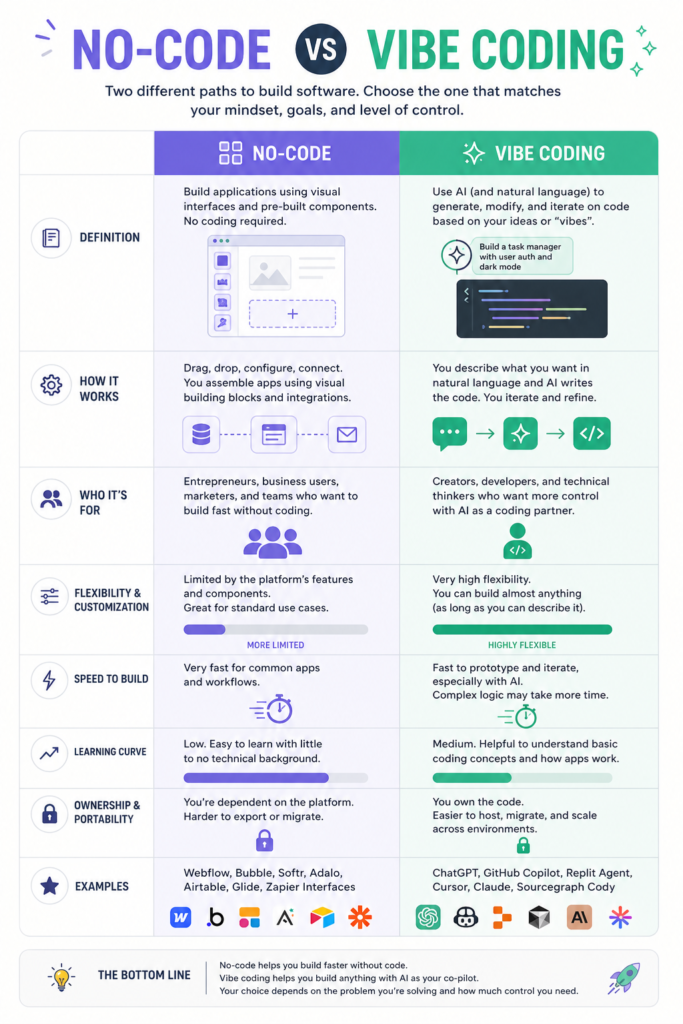
At their core, the two approaches solve the same problem—making software creation accessible—but they do it in opposite ways:
- Interface: No-code is visual and structured (drag-and-drop canvases, component libraries). Vibe coding is conversational and fluid (prompts, chat, or voice).
- Output: No-code keeps you inside a proprietary platform with visual logic. Vibe coding gives you actual source code (React, Next.js, Supabase stacks, etc.) that you can export, host anywhere, and customize forever.
- Control: No-code offers guardrails and consistency. Vibe coding offers unlimited flexibility but requires more oversight to avoid “AI hallucination” debt.
- Skill floor: Both are beginner-friendly, but vibe coding rewards clear communication while no-code rewards design intuition and logical thinking.
Pros and Cons of No-Code in 2026
Pros:
- Blazing-fast prototyping for non-technical founders.
- Built-in hosting, scaling, security, and compliance—huge for enterprises.
- Easier team collaboration and handoff (designers and PMs can edit directly).
- Predictable costs and fewer surprise bugs from custom code.
- Strong ecosystem of templates, plugins, and integrations (Zapier-style automations are seamless).
Cons:
- Vendor lock-in can feel limiting as your product grows.
- Less flexibility for truly novel or highly custom logic.
- Performance and SEO can lag behind hand-coded apps in complex cases.
- Subscription costs add up quickly for high-usage apps.
No-code shines when reliability, governance, and speed-to-market matter more than pixel-perfect customization.
Pros and Cons of Vibe Coding in 2026
Pros:
- Insanely fast iteration—go from idea to working prototype in hours.
- True ownership of the codebase (export to GitHub, deploy anywhere).
- Unlimited customization; the AI can implement almost any feature you can describe.
- Lower long-term costs once you export (just pay for hosting).
- Feels magical and creative—perfect for solo builders and experimental projects.
Cons:
- Quality depends heavily on prompt clarity; bad vibes lead to messy code.
- Maintenance can become painful if you don’t understand the generated architecture.
- Security and scalability risks if you ship without proper review.
- Less governed environment—enterprises often hesitate due to compliance concerns.
- Still requires some technical taste to know when the AI is “good enough.”
Vibe coding wins when you want maximum creativity, ownership, and the ability to build things that don’t fit neatly into a no-code template.
Head-to-Head Comparison: No-Code vs Vibe Coding in 2026
Real talk: In 2026, the smartest builders use both. Start with vibe coding to validate an idea fast, then migrate to no-code (or a hybrid low-code platform) for production if governance matters. Or use no-code for the frontend and vibe-generate backend microservices.
Real-World Use Cases
- Solo founder launching a SaaS: Vibe coding edges out for rapid experimentation. Many 2026 success stories started as a quick Replit or Lovable session that snowballed into a real product.
- Enterprise internal tools: No-code dominates here—compliance, audit trails, and easy handoff to business users win every time.
- Marketing websites or landing pages: No-code (especially Webflow) still rules for design control and SEO.
- Mobile apps with complex logic: Vibe coding often produces cleaner, more performant code than no-code mobile builders.
- Throwaway prototypes or weekend projects: Vibe coding is unbeatable—pure fun and momentum.
Top No-Code Tools Ranked for 2026
Later in your decision process, these platforms consistently rise to the top based on real user feedback, performance, and feature depth:
- Bubble – Still the king for full-stack web apps. Powerful database, workflows, and plugins make it ideal for complex SaaS. Best for founders who want everything in one visual editor.
- Webflow – Unmatched for beautiful, responsive websites and CMS-driven marketing sites. Excellent SEO, hosting, and now deeper AI-assisted design tools.
- Glide – Perfect for turning spreadsheets or Airtable data into polished mobile and web apps. Fastest for data-driven tools.
- Adalo – Strong mobile-first focus with native app publishing. Great for consumer-facing apps.
- Knack – Underrated gem for custom CRMs, inventory systems, and business databases with rock-solid data modeling.
Honorable mentions: Microsoft Power Apps (enterprise heaven), Zapier (automation powerhouse), and emerging AI-enhanced builders that blend no-code with light prompting.
Top Vibe Coding Tools Ranked for 2026
Here’s the current leaderboard for AI-first, prompt-driven development:
- Replit – The all-in-one champion. Browser-based, full-stack, built-in hosting and deployment. 75%+ of users never touch traditional code. Best for beginners and rapid full-app building.
- Lovable – Stunning design quality and clean React + Supabase output. Non-technical founders love it; it hit massive traction because the results just look professional.
- Bolt.new – Lightning-fast prototyping with generous free tier. Excellent for quick experiments and full-stack apps, though customization after generation can be trickier.
- Cursor – Best for developers who want AI superpowers inside a familiar IDE. Deep codebase understanding and agentic editing make it feel like having a 10x engineer pair-programming.
- v0 by Vercel – Top pick if you’re already in the Vercel/Next.js ecosystem. Fantastic for generating beautiful, production-ready UI components from prompts.
Other strong contenders include Claude Code for terminal-first workflows and emerging tools that keep iterating monthly. The space moves so fast that the “best” tool today might evolve by next quarter.
The 2026 Outlook: Hybrid Future Ahead
AI keeps improving, so vibe coding is becoming more reliable and less “vibey.” At the same time, no-code platforms are adding AI prompting layers, blurring the lines. The real winners won’t be purists of either camp—they’ll be the builders who combine both: vibe code the novel parts, no-code the reliable infrastructure, and export/customize where it makes sense.
Security, maintainability, and ownership still matter. Enterprises will lean no-code for governance. Indie hackers and product teams chasing speed and differentiation will embrace vibe coding (or hybrid setups).
So… Which Is Better in 2026?
There is no single winner.
Choose no-code if you need reliability, collaboration, governance, or want to ship without ever thinking about servers or deployment.
Choose vibe coding if you want maximum speed, creative freedom, code ownership, and the thrill of building exactly what you imagine.
Choose both (the 2026 meta) for the best of everything.
The most important skill isn’t coding anymore—it’s knowing how to build. Clear thinking, strong product intuition, and the ability to communicate ideas (whether to a visual builder or an AI) will separate the successful builders from everyone else.
What are you building in 2026? Drop your project type in the comments—I’d love to tell you which path I’d take personally.